
Communication Protocols and Connectors
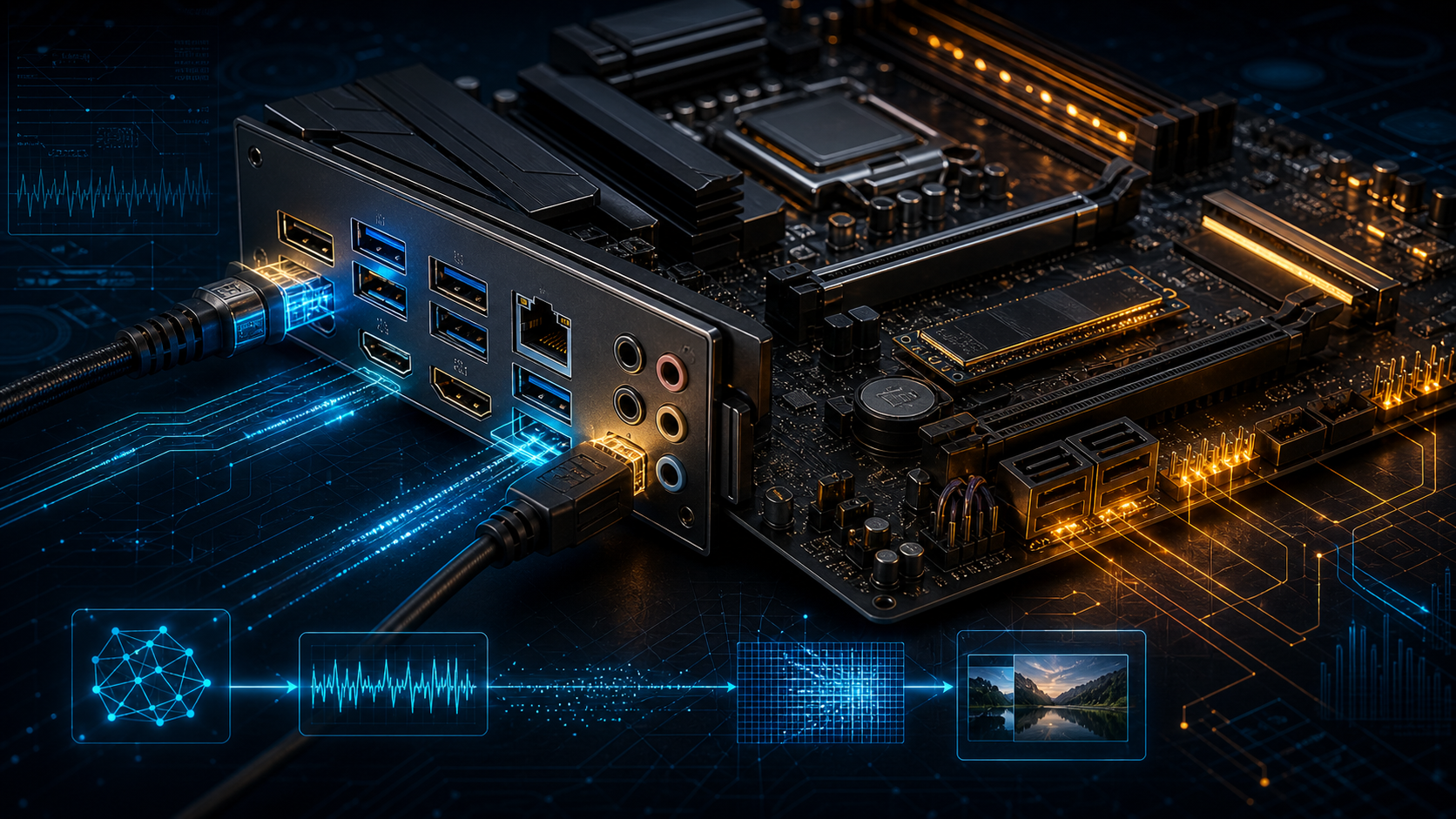
Learn how computer parts communicate: internal buses, external ports, display links, storage interfaces, network protocols, cable limits, and connector troubleshooting.
- Modules
- 6
- Progress
- Not started
- Assessments
- 11
- Estimated Hours
- 4
Sign in to save progress.
Module 1
Module 1: Communication Fundamentals
Separate physical connectors from the protocols that use them.
1.1 Connector, protocol, bus, and signal
Build the vocabulary needed to reason about hardware communication.
Quick Check: communication vocabulary
Check connector, protocol, bus, and signal concepts.
1.2 Reading a connection path
Trace how data moves through devices, controllers, hubs, adapters, and cables.
Practice: Identify the missing link
Auto-graded checks about physical and protocol troubleshooting.
Module 2
Module 2: Internal PC Links
Understand PCIe, M.2, SATA, headers, and motherboard lanes.
2.1 PCIe lanes, slots, and generations
Learn how expansion cards and NVMe drives share high-speed paths.
Quick Check: PCIe links
Check PCIe lane, generation, and slot behavior.
2.2 Storage, fan, front-panel, and power headers
Recognize internal connectors that technicians handle during builds and repairs.
Practice: Internal connector decisions
Auto-graded checks for common motherboard connection mistakes.
Module 3
Module 3: External I/O and Peripheral Protocols
Understand USB, Thunderbolt, audio, Bluetooth, and input devices.
3.1 USB versions, naming, and practical speed
Decode USB behavior from port, cable, hub, and device support.
Quick Check: USB behavior
Check USB chain and power reasoning.
3.2 Thunderbolt, docks, audio, Bluetooth, and low-latency peripherals
Understand external workflows that combine data, display, power, and timing.
Practice: External I/O troubleshooting
Auto-graded checks for docks, USB, and Bluetooth scenarios.
Module 4
Module 4: Display and Storage Protocols
Compare HDMI, DisplayPort, SATA, NVMe, and file-transfer limits.
4.1 Display protocols and cable limits
Connect resolution and refresh targets to HDMI, DisplayPort, and USB-C display modes.
Quick Check: display links
Check display protocol and cable limit reasoning.
4.2 SATA, NVMe, and external storage paths
Understand storage protocols from motherboard to removable devices.
Practice: Storage and display path choices
Auto-graded checks for protocol selection and bottleneck reasoning.
Module 5
Module 5: Networks and Reliable Communication
Reason about Ethernet, Wi-Fi, IP, DNS, and practical network symptoms.
5.1 Ethernet, Wi-Fi, and link layers
Understand local network links before jumping to internet conclusions.
Quick Check: network communication
Check network layer reasoning.
5.2 Protocol troubleshooting habits
Use layered tests and clear documentation to avoid guessing.
Practice: Layered troubleshooting
Auto-graded checks for wired, wireless, and name-resolution symptoms.
Module 6
Course Review
Review communication protocols and complete the final quiz.
Course review: what to remember
Review the main ideas from Communication Protocols and Connectors before taking the final quiz.
Final Quiz: Communication Protocols and Connectors
Show that you can explain the course ideas clearly and make safe, practical choices.